How to Self-Host Formbricks: Setup, Email, Backups and Costs
Run Formbricks on your own server: the v6 Docker stack, server sizing, SMTP setup, backups, upgrades, and a real cost comparison with Formbricks Cloud and Typeform.
Survey tools charge you for succeeding. Typeform's Basic plan includes 100 responses a month, so the moment a campaign works, you are shopping for a bigger plan. Formbricks is the open-source answer: an AGPL-licensed survey and experience management platform with more than 13,000 GitHub stars that you can run on your own server for the cost of a VPS. This guide walks the full self-hosting path: what the stack actually contains, how to size the server, the install, email delivery, backups, upgrades, and an honest cost comparison with Formbricks Cloud and Typeform.
What you are actually installing
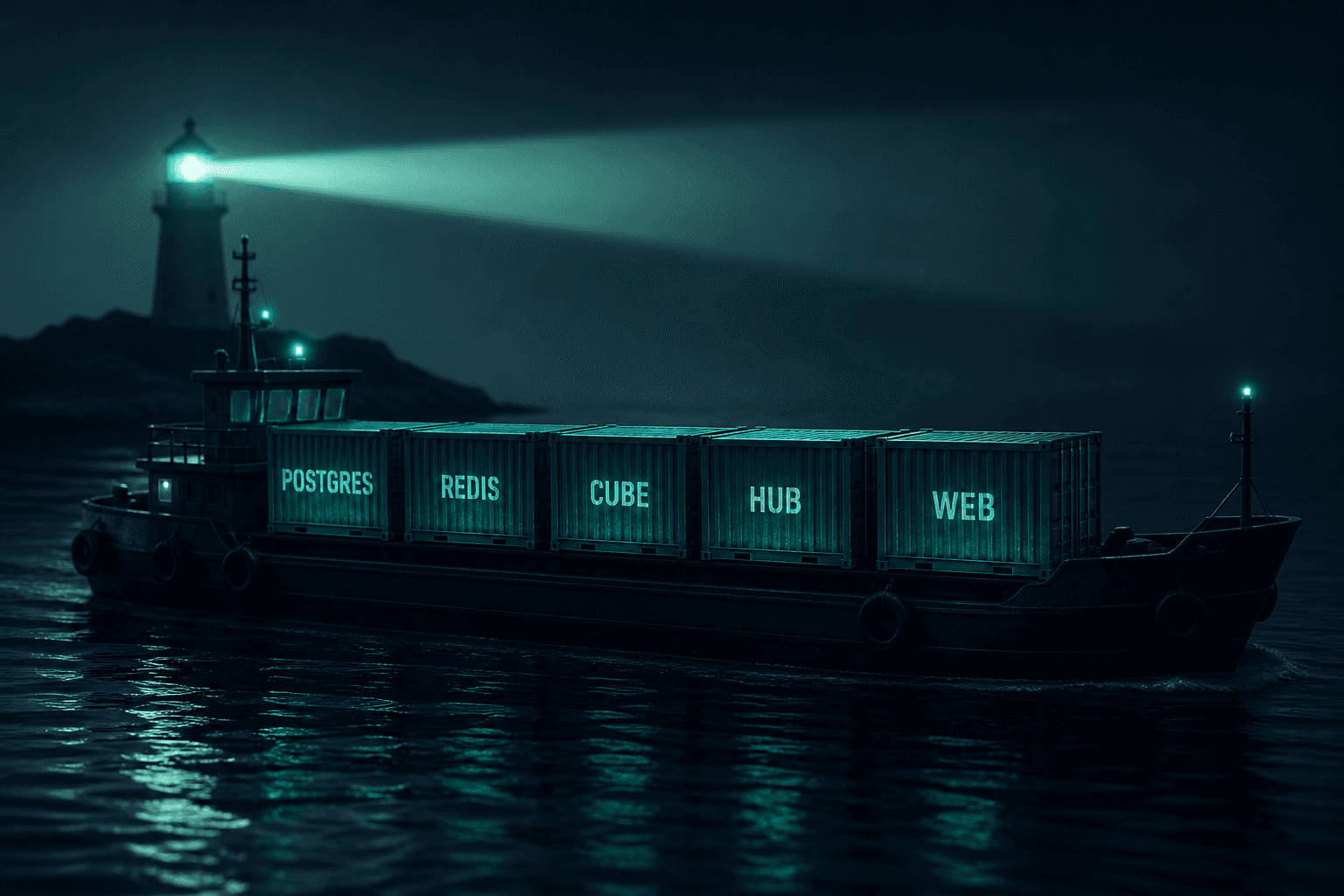
Formbricks v6 is not a single container. According to the official self-hosting documentation, a baseline install runs a stack of long-running services:
- Web app: the survey builder, dashboards and respondent-facing pages.
- Formbricks Hub: the API and background worker that processes response pipelines, mandatory since v5.
- Cube: the analytics layer (CubeJS) behind reporting, bundled into the baseline since v5.
- PostgreSQL: the system of record for surveys, responses, contacts and permissions.
- Redis or Valkey: queues and cache.
- SpiceDB and its operator: the authorization engine, new in v6.
- Traefik: the reverse proxy and certificate manager, on the one-click install.
Two practical consequences follow. First, memory matters more than you might expect. The docs list an absolute minimum of 1 vCPU, 2 GB RAM and 8 GB SSD, but that only boots the stack for a look around; Hub, Cube and SpiceDB all add baseline memory cost, and the v5 migration notes alone budget roughly 500 MB of extra headroom just for Cube. For a real production install we recommend 4 vCPU, 8 GB RAM and 50 GB SSD. Second, your backups have to cover more than one thing: the main PostgreSQL data, the authorization data SpiceDB keeps, and uploaded files.
On licensing, the Formbricks GitHub repository is clear: the core is AGPLv3, fully functional, and free for personal and commercial use, including link, website and in-app surveys. Enterprise features such as SSO and the AI analysis tools live in a separate folder, ship inside the same Docker images, and need a paid Enterprise license key to activate. You can self-host for years without ever buying one.
Pick your install path
Formbricks supports three routes, and the right one depends on who will own the machine:
- One-click script on Ubuntu: a shell script that installs Docker, sets up Traefik as the reverse proxy, provisions HTTPS certificates automatically, and optionally configures email during the run. Best default for a single production server.
- Manual Docker Compose: you download the compose file and supporting files yourself, write your own
.env, and put the stack behind your existing reverse proxy. Choose this if you already run Caddy, Nginx or Traefik and want full control. - Kubernetes via the official Helm chart: choose this only when you need to survive a node failure or carry an uptime SLA. The docs themselves note that single-server downtime during a reboot or upgrade is usually acceptable at low load, and is not on its own a reason to reach for Kubernetes.
This guide follows the one-click path, with notes where the manual Compose path differs. If you want a second example of the same playbook, our Twenty CRM self-hosting guide covers a similar Docker stack end to end.
Server and DNS before you start
Get these five things ready before you run anything:
- A VPS: 4 vCPU, 8 GB RAM and at least 50 GB SSD for production, running Ubuntu 22.04 or 24.04. For reference, a DigitalOcean Basic Droplet with 8 GB, 4 vCPU and 160 GB SSD costs $48 a month; the 4 GB / 2 vCPU size at $24 a month clears the documented minimum but leaves little headroom once Hub, Cube and SpiceDB are running.
- A domain or subdomain: for example surveys.yourcompany.com, with an A record pointing at the server.
- Open ports: 80 and 443 reachable from the internet, which the installer needs for certificate issuance.
- HTTPS from day one: the docs require a valid certificate; survey links, the in-app SDK and authentication all assume it.
- SMTP credentials: from Amazon SES, SendGrid, Mailgun or another provider. More on this below, because email is where most self-hosted installs quietly break.
If you are sizing a server that will also run other tools, our post on server sizes and real costs for a self-hosted business stack shows how to combine workloads on one or two machines.
Step-by-step: the one-click install
The one-click setup is a single shell script from the project's stable branch:
curl -fsSL https://raw.githubusercontent.com/formbricks/formbricks/stable/docker/formbricks.sh -o formbricks.sh
chmod +x formbricks.sh
./formbricks.sh install
The same script handles the lifecycle afterwards: ./formbricks.sh update, stop, restart and uninstall.
The script walks you through a short sequence:
- Domain check: it asks for your domain and verifies the DNS A record resolves to this server. Have DNS done first.
- Certificate email: the address Let's Encrypt uses for expiry notices.
- HSTS: it asks whether to enforce strict transport security. Answer yes unless you have a specific reason not to.
- Email service: it offers to take your SMTP credentials and wire them in. Answering yes here saves manual editing later.
When it finishes, you have a formbricks directory containing a docker-compose.yml and an .env file. The installer generates the secrets the stack needs (NEXTAUTH_SECRET, ENCRYPTION_KEY, CRON_SECRET, database passwords and the rest) with openssl rand -hex 32. Two rules from the Docker setup docs are worth tattooing on your runbook: treat the .env file as part of your backups, and never change POSTGRES_PASSWORD after the first boot, because PostgreSQL has already initialized its volume with the original value.
Verify the install before announcing it:
docker ps
cd formbricks && docker compose logs --tail=50
Then open your domain, create the first account, and build a throwaway survey to confirm the respondent side renders.
On the manual Compose path the flow is the same but you do the file work: create cube/schema, download docker-compose.yml, authzed-postgres-bootstrap.sh, cube/cube.js and cube/schema/FeedbackRecords.js from the stable branch, write the .env yourself, and run docker compose up -d.
Getting email out: SMTP is not optional
A fresh Formbricks instance sends no email at all until you point it at an SMTP server. The configuration docs list what silently stops working: account verification mail, password resets, team invitations, response notifications, email follow-ups and email surveys. That is most of the collaboration surface of the product.
The SMTP configuration page gives the variables, which go in your .env or the compose environment:
MAIL_FROM=noreply@yourdomain.com
MAIL_FROM_NAME=Formbricks
SMTP_HOST=email-smtp.us-east-1.amazonaws.com
SMTP_PORT=587
SMTP_USER=your_smtp_username
SMTP_PASSWORD=your_smtp_password
Two details catch people out. First, once SMTP works, email verification and password reset are on by default; the EMAIL_VERIFICATION_DISABLED and PASSWORD_RESET_DISABLED variables exist to turn them off (set them to 1), so leave them unset for a normal team install. Second, never set SMTP_REJECT_UNAUTHORIZED_TLS=0 in production. It disables certificate verification on the connection to your mail server and opens the door to a man-in-the-middle attack, as the docs warn; if your mail server uses a private CA, mount that CA certificate into the container instead.
For the provider, Amazon SES is the cheapest serious option at survey-notification volumes and we have a separate guide to setting up SES for a self-hosted newsletter with Listmonk that covers domain verification and sandbox exit in detail; the same verified domain works here. SendGrid and Mailgun work too, and Gmail with an app password is acceptable for a handful of users.
Test before you trust it: invite a second user and trigger a password reset. Both mails should arrive within a minute.
Backups and updates
What to back up
A restorable Formbricks backup has four parts:
- PostgreSQL: everything in the database container, including the authorization data SpiceDB uses. The simplest complete capture is
pg_dumpall:
cd formbricks
docker compose exec -T postgres pg_dumpall -U postgres | gzip > /backups/formbricks-$(date +%F).sql.gz
- Uploaded files: the volume holding respondent uploads.
- The
.envfile anddocker-compose.yml: without the secrets, a database restore alone will not get you a working instance. - An off-server copy: a nightly cron that ships the dump to S3 or object storage at another provider. A backup on the same disk as the database is not a backup.
Test a restore once a quarter. The first time you do it, do it on a fresh VPS and time it; that number is your real recovery time.
How updates work
Minor updates are normally ./formbricks.sh update (or docker compose pull followed by docker compose up -d on a manual install), with database migrations applied automatically. The important discipline is to read the migration guide before every upgrade, because recent major releases carry real operational weight:
- v5 made Formbricks Hub mandatory, folded Cube into the baseline stack (budget roughly 500 MB of extra RAM), and moved rate limiting for public and API-key routes to the edge: you are expected to run Envoy Gateway or an equivalent rate limiter in front of those routes before exposing the v5 stack.
- v6 replaced the authorization engine with SpiceDB and there is no runtime fallback. The upgrade requires a maintenance window, stopped writers, confirmed backups, running the target-image migrations, then running
formbricks-authzed-prepare --backup-confirmed --writers-stopped, and settingFORMBRICKS_AUTHZED_V6_MIGRATION_ACKNOWLEDGED=truebefore the new version will serve traffic.
The guide also tells you to pin explicit release versions rather than floating on a latest tag. Follow that. An unattended latest pull is how a survey platform becomes a Friday night incident.
What it costs: self-hosted vs Formbricks Cloud vs Typeform
Here is the worked example, using a team collecting around 5,000 responses a month. Prices are from the vendors' own pages (annual-billing rates where a vendor offers both) and change over time, so verify before you budget.
Typeform
- Basic includes 100 responses a month with 1 user.
- Plus is $56 a month for 1,000 responses and 3 users: not enough.
- You land on Business at $91 a month for 10,000 responses and 5 users: $1,092 a year.
Formbricks Cloud
- Hobby is free with 250 responses a month.
- Pro is $74 a month with 2,000 responses: not enough at this volume.
- Scale at $325 a month covers 5,000 responses: $3,900 a year.
Self-hosted Formbricks
- Server: a 4 vCPU / 8 GB VPS at DigitalOcean is $48 a month, or $576 a year. European providers like Hetzner cost less for the same spec.
- Domain: about $10 to $15 a year.
- Transactional email: a few dollars a month at notification volumes on SES.
- Maintenance time: roughly one to two hours a month for updates, certificate renewals and backup checks.
Cash cost lands around $600 to $650 a year, and it stays flat whether you collect 5,000 or 50,000 responses, because nothing in the stack bills per response. Against Typeform Business that is roughly half the price; against Formbricks Cloud Scale it is about a sixth. The honest counterweight is your maintenance time, and at very low volume the math flips: under 250 responses a month, Formbricks Cloud's free Hobby plan costs nothing and nobody patches anything. We broke down the per-response economics across volumes in Formbricks vs Typeform: Real Cost at 5,000 Responses a Month.
One more angle: because Formbricks exposes a full API and connects to n8n and Zapier, responses can flow straight into the rest of your systems. If routing survey data into CRMs, sheets and alerts is the actual goal, that is an automation build more than a survey question.
When self-hosting is the wrong choice
Be honest with yourself on these before you commit:
- Your volume is tiny: under 250 responses a month, Formbricks Cloud Hobby is free and zero-maintenance. Take the free tier.
- Nobody will own the machine: a self-hosted app without an owner rots. Use Formbricks Cloud, or have someone run it for you.
- You need SSO, SAML or the AI feedback analysis: those are Enterprise features even when self-hosted, so you will be buying a license regardless. Factor that conversation in early.
- You carry an uptime SLA: a single server goes down during every reboot and upgrade. If surveys are revenue-critical, that means Kubernetes or a managed cloud plan, not one VPS.
- Your team loves Typeform's polish: Typeform still wins on design finish and out-of-the-box analytics. Self-hosting saves money; it does not close that gap, and pretending otherwise makes for unhappy marketers.
Common mistakes
- Skipping SMTP, then blaming the app: invites and password resets never arrive because mail was never configured. Do SMTP first, not after the team is onboarded.
- Rotating POSTGRES_PASSWORD: the database volume is initialized with the original password on first boot. Changing the variable afterwards just breaks authentication against your own data.
- Floating on the latest tag: v6 will not serve traffic until the SpiceDB authorization graph is prepared. Pin versions, read the migration guide, run upgrades deliberately.
- Production on 4 GB: it boots fine and then falls over during a large import or a rebuild. Spend the extra $24 a month.
- Backing up only the main database: the authorization data and uploaded files matter too. A restore that loses permissions and files is a partial outage dressed up as a recovery.
- Serving plain HTTP: the docs require a valid HTTPS certificate, and survey respondents' browsers will punish you for ignoring that.
Frequently asked questions
Is self-hosted Formbricks really free? The AGPL core is free for personal and commercial use, including link, website and in-app surveys. You pay only for the server and email provider. Enterprise features such as SSO and AI analysis require a paid license key from Formbricks.
How many responses can a self-hosted instance handle? There is no plan-based cap; the limit is your own infrastructure. The docs note that response bursts are a queue-sizing question, so size Redis for the deepest backlog you expect and PostgreSQL for the data volume.
Can I run Formbricks without Docker? The supported paths are Docker Compose, the one-click script (which is Compose underneath) and the official Helm chart for Kubernetes. For most teams a single VPS with Docker is the practical choice; Kubernetes is for high availability requirements.
Does self-hosted Formbricks support email surveys? Yes, once SMTP is configured. Email surveys, email follow-ups and response notifications all depend on the SMTP variables described above, which is why email setup is part of the install rather than an afterthought.
How painful are upgrades? Minor versions are a pull and restart with automatic migrations. Major versions can be heavier: the v5-to-v6 upgrade needs a maintenance window, confirmed backups and a prepared SpiceDB graph. Budget an hour, do it in a quiet period, and you will be fine.
Is Formbricks better than Typeform? It depends on what you value. Typeform wins on design polish and zero maintenance. Formbricks wins on cost at volume, data control and the ability to self-host. At 5,000 responses a month the cash difference is hundreds of dollars a year, which is why many teams migrate as they grow.
Where to go from here
If you want Formbricks running alongside an open-source CRM, support inbox, analytics and newsletters without owning the patching, backups and upgrades yourself, that is exactly what our managed open-source stack service does: we deploy and operate Formbricks, Twenty, Chatwoot, Cal.com, Plausible and Listmonk on your infrastructure, and hand you the keys with documentation. Start with the survey tool, keep the whole stack.
Related reading
About AI Agents Plus Editorial
AI automation expert and thought leader in business transformation through artificial intelligence.