How to Back Up a Self-Hosted Business Stack and Prove It Restores
A nightly tar of a Docker volume is not a backup plan. Here is the full design for a self-hosted stack of Twenty, Chatwoot, Cal.com, Plausible, Listmonk and Formbricks: what to copy, where to put it, what it costs, and the restore drill that proves it works.
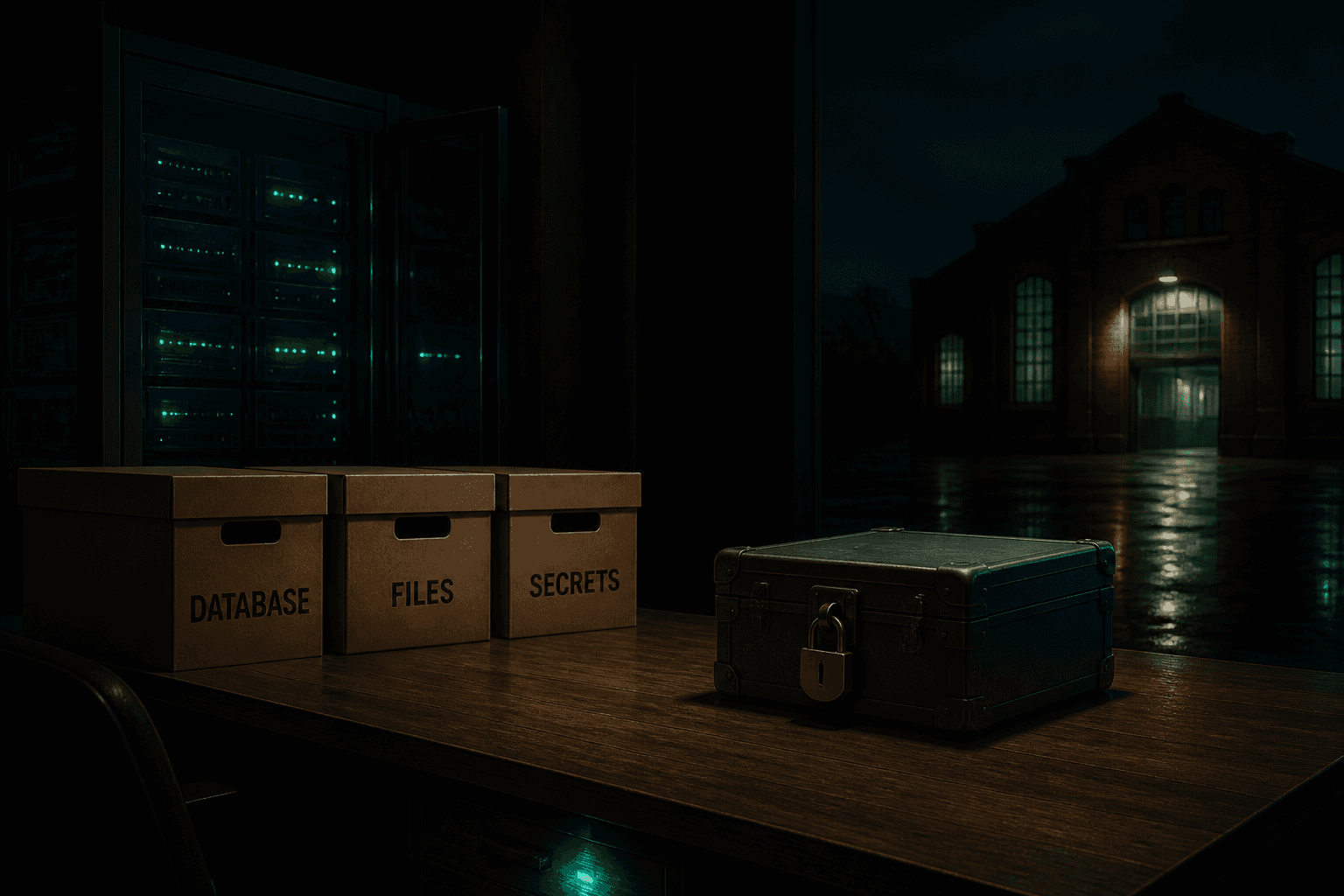
A cron job that tars up a Docker volume every night is not a backup plan; it is a tarball of a database captured mid-write, stored on the same machine it is supposed to protect. A real backup for a self-hosted business stack has three parts: consistent exports taken with each database's own tools, an encrypted copy on infrastructure your server cannot reach or delete, and a restore you have actually performed. This guide builds all three for the stack most small teams self-host: Twenty, Chatwoot, Cal.com, Plausible, Listmonk and Formbricks.
Everything here runs on a single Linux VPS with Docker Compose, the way most of these apps are deployed. If you run the whole stack on one or two servers, one backup job can cover all of it.
What you actually need to back up
Before any commands, make an inventory. Each app in the stack keeps its state in a small number of places, and they are almost never where people assume.
- Twenty CRM. PostgreSQL holds all CRM data; Redis holds the job queue and cache. The database is the backup; Redis can be rebuilt. This is also the data at stake in the Twenty CRM versus HubSpot cost comparison that leads teams to self-host in the first place.
- Chatwoot. The production architecture is web servers, workers, PostgreSQL, Redis, email and object storage. PostgreSQL holds conversations and contacts. Attachments live in S3 if you configured it, or in a local storage volume if you did not. Both the database and the attachment store must be in the backup.
- Cal.com. PostgreSQL only. Bookings, availability, and calendar connections are all in one database.
- Listmonk. A single binary plus a Postgres database, plus an uploads directory for campaign images. The subscriber lists you spent years building, sending through Amazon SES and warming up for deliverability, are in Postgres.
- Formbricks. PostgreSQL for surveys and responses, plus an uploads volume for files respondents attach.
- Plausible Community Edition. Two databases, not one: PostgreSQL for sites and user accounts, and ClickHouse for every pageview event. The community-edition compose setup ships both. ClickHouse is usually the largest datastore in the whole stack and it cannot be dumped with Postgres tools. More on that below.
Three more things belong in every backup, and they are the ones people forget:
- The compose file and .env for every app. Without them you are reverse-engineering image tags, ports and volume names on the worst day of your year.
- Reverse proxy config. Your Caddyfile or nginx config, plus the TLS setup.
- Encryption keys. Twenty, Chatwoot and others encrypt credentials at rest with keys from the environment. A database dump without the key restores into encrypted columns you cannot read.
Why you cannot just copy the data directory
The most common self-hosted backup is a nightly tar of /var/lib/docker/volumes. For plain file volumes this is fine. For a database it produces archives that back up perfectly, compress well, upload without complaint, and refuse to start when restored.
A running database buffers writes in memory and flushes them on its own schedule. A file-level copy taken at a random instant captures half-written pages and a write-ahead log mid-transaction. The fix is to ask the database for a consistent export instead of taking one behind its back. The PostgreSQL documentation is explicit that pg_dump "makes consistent exports even if the database is being used concurrently" and does not block readers or writers, so there is no downtime excuse for skipping it.
The rules that follow from this:
- PostgreSQL (Twenty, Chatwoot, Cal.com, Listmonk, Formbricks, Plausible metadata):
pg_dumpwith-Fc. The custom format is compressed by default and restores withpg_restore, which can also recover a single table when you fat-finger a DELETE rather than losing the server. - ClickHouse (Plausible events): there is no pg_dump equivalent in the compose stack. The pragmatic options are stopping the ClickHouse container briefly and archiving its volume, or running a snapshot with
clickhouse-backupagainst S3. For a small analytics instance, a stop-archive-start at 4 a.m. costs seconds and is honest. - Redis: skip it. It holds caches and background job queues; the worst case of losing it is some jobs re-run.
- Uploads and attachments: these are ordinary files, so a read-only tar of the volume is safe even while the app runs.
The three layers of a real backup
The old 3-2-1 rule still describes the target shape: three copies of your data, on two different kinds of storage, with one copy somewhere else. For a single-VPS stack that means:
- The live data on the server. This is copy one.
- A local staging directory on the same VPS where nightly dumps and tars land. Fast to restore from, protects against a bad deploy or a dropped table. This is copy two.
- An encrypted, versioned copy off the server entirely, in object storage from a different provider than your host. This is the only copy that survives the server dying, the hosting account being suspended over a billing dispute, or ransomware reaching the machine.
Two tools cover layer three well. restic gives you encrypted, deduplicated, incremental snapshots to S3-compatible storage, Backblaze B2, SFTP and more, with retention policies like keep 7 daily, 4 weekly, 6 monthly. Deduplication means the nightly run only uploads what changed, so months of history cost little. The alternative, offen/docker-volume-backup, is a small companion container that archives volumes on a schedule, ships them to S3, WebDAV, Azure, Dropbox, Google Drive or SSH targets, rotates old archives, encrypts with GPG and can notify you when a run fails. Either works; restic's dedup and point-in-time history make it the better default for a multi-app stack.
One warning on hosting-provider snapshots: a DigitalOcean or Hetzner snapshot of your VPS lives in the same account as the VPS. It is convenient for pre-upgrade safety, but it shares every failure mode with the thing it protects. It is not the off-site copy.
A worked plan for a six-app stack
Here is what this looks like in numbers for a small team running all six apps on one 4-core VPS.
Data volume, roughly a year in:
- Five Postgres databases (Twenty, Chatwoot, Cal.com, Listmonk, Formbricks): 1 to 5 GB each as compressed dumps, call it 10 GB total per nightly set.
- Plausible: Postgres under 1 GB; ClickHouse events at a few million pageviews a month, a few GB.
- Uploads and attachments across the apps: 5 to 20 GB depending on how generous your customers are with files.
Call the whole nightly set 25 GB. With restic deduplication, 7 daily plus 4 weekly plus 6 monthly snapshots of mostly-identical data might store 60 to 100 GB total. The cost of that history:
- Backblaze B2 starts at $6.95 per TB per month with the first 10 GB free and egress free up to three times your stored volume. 100 GB stored is well under a dollar a month.
- Hetzner Storage Box BX11 is 1 TB for €3.20 a month with unlimited traffic and native restic and BorgBackup support, if you prefer a flat bill and an SSH target.
In other words, off-site backup for the entire stack costs less than a coffee. The expensive part of backups was never storage; it is the restore you never tested.
The nightly script, step by step
One script, run by cron at 4 a.m., does the whole job. The pattern per app is: dump the database, archive the file volumes, then hand the staging directory to restic.
set -euo pipefail
STAGING=/var/backups/staging
mkdir -p "$STAGING"

  # 1. Postgres dumps, custom format, consistent while live
docker compose -f /opt/twenty/compose.yaml exec -T db \
  pg_dump -U twenty -Fc twenty > "$STAGING/twenty.pgdump"
docker compose -f /opt/chatwoot/compose.yaml exec -T postgres \
  pg_dump -U postgres -Fc chatwoot_production > "$STAGING/chatwoot.pgdump"
docker compose -f /opt/calcom/compose.yaml exec -T database \
  pg_dump -U calcom -Fc calcom > "$STAGING/calcom.pgdump"
docker compose -f /opt/listmonk/compose.yaml exec -T db \
  pg_dump -U listmonk -Fc listmonk > "$STAGING/listmonk.pgdump"
docker compose -f /opt/formbricks/compose.yaml exec -T postgres \
  pg_dump -U formbricks -Fc formbricks > "$STAGING/formbricks.pgdump"
docker compose -f /opt/plausible/compose.yaml exec -T plausible_db \
  pg_dump -U postgres -Fc plausible > "$STAGING/plausible.pgdump"

  # 2. ClickHouse: brief stop, archive, start
docker compose -f /opt/plausible/compose.yaml stop plausible_events_db
docker run --rm -v plausible_events-db-data:/data:ro -v "$STAGING":/backup \
  alpine tar czf /backup/clickhouse.tar.gz -C /data .
docker compose -f /opt/plausible/compose.yaml start plausible_events_db

  # 3. Uploads and attachments (safe to read live)
docker run --rm -v chatwoot_storage:/data:ro -v "$STAGING":/backup \
  alpine tar czf /backup/chatwoot-storage.tar.gz -C /data .
docker run --rm -v listmonk_uploads:/data:ro -v "$STAGING":/backup \
  alpine tar czf /backup/listmonk-uploads.tar.gz -C /data .
docker run --rm -v formbricks_uploads:/data:ro -v "$STAGING":/backup \
  alpine tar czf /backup/formbricks-uploads.tar.gz -C /data .

  # 4. Config and secrets
cp /opt/*/{compose.yaml,.env} "$STAGING"/ 2>/dev/null || true
cp /etc/caddy/Caddyfile "$STAGING"/ 2>/dev/null || true

  # 5. Ship it, encrypted, and prune
restic backup --tag nightly "$STAGING"
restic forget --tag nightly --prune \
  --keep-daily 7 --keep-weekly 4 --keep-monthly 6

  # 6. Integrity check on a subset
restic check --read-data-subset=5%
Details that matter:
- The
-Tflag ondocker compose execdisables TTY allocation. Without it, cron-run dumps get corrupted by carriage returns and you will not find out until restore day. - Volume names differ per install. Run
docker volume lsonce and put the real names in the script. Adjust the compose paths to where your stack actually lives. - The restic repository password goes in a password manager, not only on the server. An encrypted backup whose key died with the server is decoration.
- Use append-only credentials where the provider supports them (B2 application keys, S3 bucket policies) so a compromised server cannot delete its own backup history. This is the single strongest anti-ransomware control in the design.
- Monitor the outcome, not the schedule. Point the script at a heartbeat service (a simple HTTP ping on success; Healthchecks.io or a self-hosted alternative). A server that is off never fails a backup, it just quietly stops taking them.
Restore drills: the only part that matters
A backup you have never restored is a hope. Schedule a drill the same way you schedule the backups.
Monthly, fifteen minutes:
- On a scratch host or a spare container, pull the latest snapshot:
restic restore latest --target /tmp/restore-test. - Start a throwaway Postgres container and load one dump with
pg_restore. - Count rows in a table you recognise, for example contacts in Twenty or conversations in Chatwoot, and compare against the live number from yesterday.
- Untar one uploads archive and spot-check that files open.
Quarterly, an hour:
- Restore every dump and archive from the same snapshot onto a scratch VPS.
- Bring the full compose stack up against the restored data on a throwaway domain.
- Log in to each app and click through the core flows: open a CRM record, load a Chatwoot conversation, book a test slot, view Plausible stats, open a survey response.
- Write down how long it took and what broke. That document is your real disaster recovery plan.
Never restore over live data to "see if it works." If the backup is bad you have just destroyed the working copy to test the broken one. Always restore into a fresh target.
Common mistakes
- Tarring a live database volume. Covered above, and still the number one failure. Dump, do not copy.
- Backing up to the same disk, same server, or same provider account. Shared failure domains mean one incident takes the data and the backup together.
- Forgetting the .env files and encryption keys. The dump restores fine and every encrypted credential column is garbage.
- Treating provider snapshots as off-site backups. They are in-account conveniences, not the third copy.
- No alerting on failure. Backup jobs fail silently more often than they fail loudly. If nobody gets paged when the job does not check in, you do not have backups, you have a cron entry.
- Never testing the restore. The drill is not bureaucracy; it is the difference between an incident and an obituary for the business data.
When this is the wrong choice
Nightly dumps give you a recovery point of up to 24 hours: anything written since last night's run is gone. If your business cannot lose a day of support conversations or bookings, you need point-in-time recovery from WAL archiving or a managed Postgres with PITR built in, which is a different design and a bigger bill. And if nobody on your team can confidently run the quarterly restore drill, the honest move is not to buy more backup tooling; it is to hand the stack to someone who runs it for a living. If that is where you land, our pricing page shows what the managed version of this stack costs before you book anything. Self-hosting is a commitment to operations, as even the Plausible team warns prospective self-hosters: you own the backups, the uptime and the upgrades, or someone does it for you.
Frequently asked questions
Is a VPS snapshot from my hosting provider enough? No. A snapshot lives in the same hosting account as the server, so a suspended account, a compromised login or a provider incident takes both. Keep a snapshot for fast rollback before upgrades, but your real off-site copy belongs with a different provider.
Can I back up Postgres by copying the volume while it runs? No. A file-level copy captures pages mid-write and usually restores into a corrupt database. Use pg_dump, which produces a consistent export without blocking reads or writes, or stop the container first and accept a few seconds of downtime.
How much does backing up a small self-hosted stack cost? Storage is nearly free: a full nightly set for six apps is typically tens of gigabytes, and 100 GB on Backblaze B2 costs well under a dollar a month, while a 1 TB Hetzner Storage Box is €3.20. The real cost is the thirty minutes a month of restore drills that make the backups worth having.
How much data could I lose with nightly backups? Up to 24 hours of writes, since the last dump. If that is unacceptable, add WAL archiving for point-in-time recovery or move the databases to a managed Postgres service with PITR, and keep the file backups as they are.
Do I need to back up Redis? Usually not. In this stack Redis holds caches and background job queues that rebuild themselves. Losing it means some jobs re-run, not lost business data.
What is the one thing people forget most? The environment files and encryption keys. A perfect database dump without the app secret restores into columns of ciphertext nobody can read.
Where to go from here
Backups are the unglamorous half of self-hosting, and the half that decides whether the stack is an asset or a liability. If you would rather have the six apps in this guide deployed, monitored, updated and backed up for you, with restore drills on a schedule, that is exactly what our managed open-source stack service does for Twenty, Chatwoot, Cal.com, Plausible, Listmonk and Formbricks. If your support team is still on a SaaS help desk, our Zendesk to Chatwoot migration guide covers the cutover into the stack this guide protects.
Related reading
About AI Agents Plus Editorial
AI automation expert and thought leader in business transformation through artificial intelligence.