How to Add an AI Agent to Chatwoot: Costs and Handoff Rules
Connect any LLM to a self-hosted Chatwoot inbox with the Agent Bot API. Covers webhook events, human handoff rules, and real per-conversation costs vs Intercom Fin and Chatwoot Captain.
Chatwoot does not ship with a built-in AI agent on self-hosted installs, but it does not need to. The open Agent Bot API lets you connect any LLM agent, built on Claude, OpenAI, or your own stack, to any Chatwoot inbox, with human handoff as a first-class feature rather than an afterthought. This guide covers how the mechanism actually works, how to build it, what it costs per conversation compared to Intercom Fin and Chatwoot Captain, and when you should not build it at all.
The short version: an agent bot is a webhook receiver plus a few REST calls. The hard part is not the plumbing; it is deciding which conversations the bot is allowed to close and which it must hand over.
Three ways to put AI on a Chatwoot inbox
Before writing any code, pick the right option. There are three.
Option 1: Captain on Chatwoot Cloud. Captain is Chatwoot's own AI agent. It answers customers from your help center and past conversations, drafts replies for agents, and triages incoming chats. Every paid Cloud plan includes monthly Captain credits: 300 on Startups, 500 on Business, 800 on Enterprise, with extra credits at $20 per 1,000, according to the Chatwoot pricing page. The catch for self-hosters: Chatwoot's own launch post says Captain for self-hosted setups is still being worked on. If you run Chatwoot on your own infrastructure today, plan on options 2 or 3.
Option 2: A custom agent bot on the Agent Bot API. You register a bot with a webhook URL, Chatwoot forwards every conversation event to it, and your service replies through the API with its own access token. Your model, your prompts, your data. This works identically on Cloud and self-hosted, as the Agent Bot documentation confirms.
Option 3: A third-party bot or Dialogflow. Chatwoot has a native Dialogflow integration and several no-code bot builders plug into the same API. Fine for simple FAQ flows; limiting once you need real tool use or your own knowledge base.
This post focuses on option 2, because it is the one that gives a self-hosted team full control, and because it is the option with the least honest coverage elsewhere. If you are still weighing Captain against a custom build, Chatwoot AI Chatbot Setup: Captain vs Building Your Own Agent walks through that decision.
How the Agent Bot handoff actually works
The design is simple and worth understanding before you build on it.
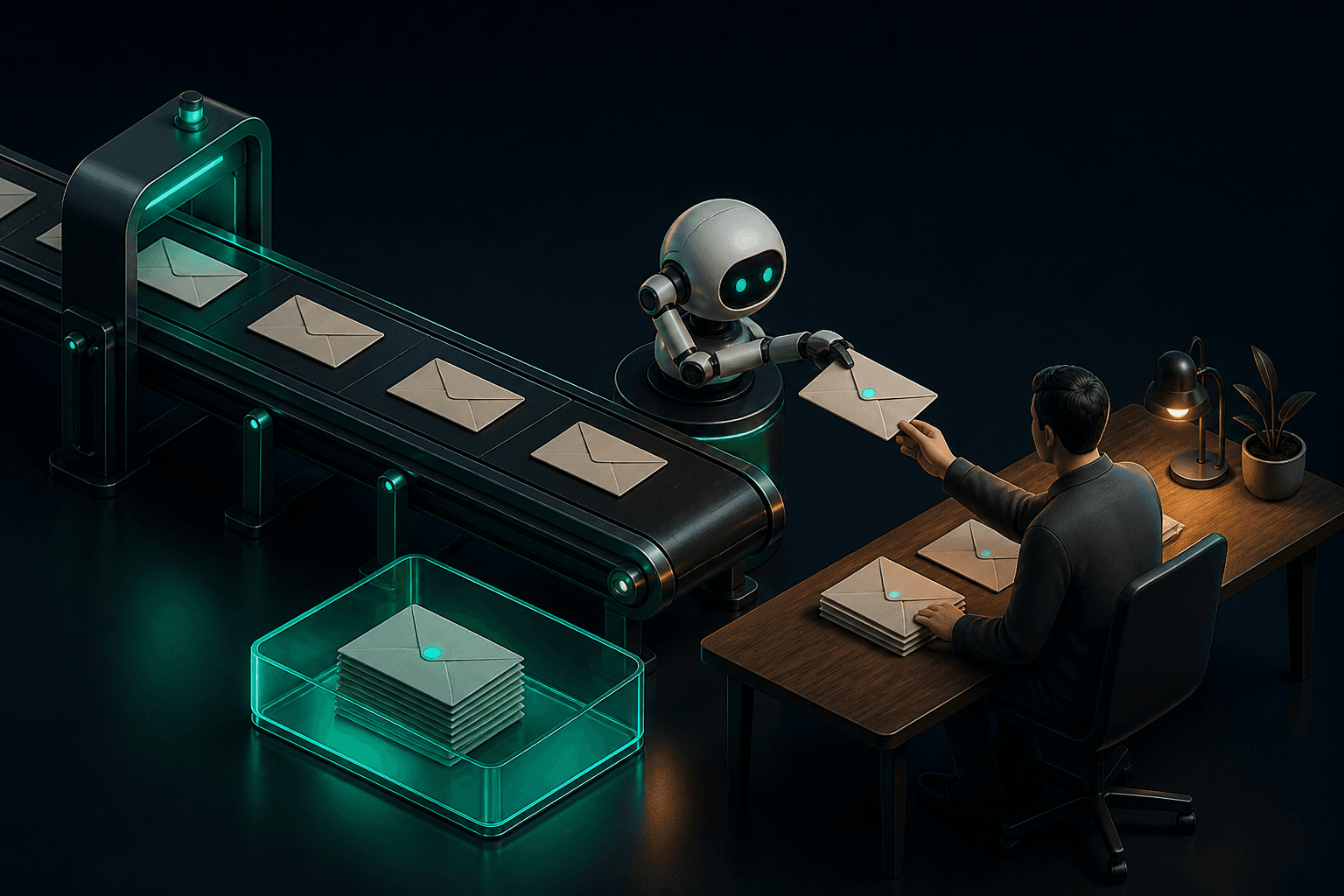
When you connect an agent bot to an inbox, every new conversation starts with a pending status. Pending is the bot's queue. Human agents working the inbox do not see pending conversations as their work; the bot owns them.
The event flow, per the official docs:
- Chatwoot POSTs webhook events to your bot URL:
widget_triggered,message_created,message_updated, and others. - Your service processes the event. This is where your LLM call, your retrieval, and your business logic live.
- Your bot replies by calling the Create New Message API with its bot access token.
- When the bot cannot help, or the customer asks for a person, the bot calls the conversation update API and sets status to open. The conversation now appears in the agents' queue with the full transcript.
- An agent who decides the bot should have handled it can flip the status back to pending, returning the conversation to the bot queue.
That last detail matters more than it looks. The handoff is reversible, which means you can run conservative rules early on, hand off aggressively, and tighten the rules as you watch what agents push back.
One channel caveat from the Agent Bot API overview: text replies work on every channel, but rich messages like cards, carousels, forms, and quick-reply buttons only render in the live-chat widget. On WhatsApp or Telegram, your bot is limited to text and attachments.
Building the agent: a working setup
Here is the minimal real setup. Assume Chatwoot is already running, self-hosted or Cloud.
Step 1: Register the bot
In the Chatwoot dashboard, go to Settings, then Bots, click Add Bot, and give it a name, an avatar, and your webhook URL, for example https://agent.yourcompany.com/chatwoot/webhook. Chatwoot generates a secret for the bot. Store it: you use it to verify that incoming webhooks genuinely came from your Chatwoot instance, which the docs describe under webhook verification. Skipping verification means anyone who finds your URL can inject fake customer messages into your agent.
Step 2: Connect the bot to an inbox
Open the inbox settings, find Bot Configuration, select your bot, and save. From that point, new conversations in that inbox start as pending and events flow to your webhook.
Step 3: Receive and verify events
Your endpoint receives a JSON payload per event. On message_created from a customer, you extract the account ID, conversation ID, and message content. Verify the signature against your bot secret before doing anything else.
Step 4: Generate the reply
Assemble the prompt: a static system prompt with your support policy and tone, retrieved knowledge-base snippets, and the recent conversation history. Call your model. Claude Haiku 5.5 is the sensible default for high-volume support at $0.10 per million input tokens and $0.50 per million output tokens per the Anthropic pricing docs; the older Haiku 4.5 still works at $1 and $5, and Sonnet 5.5 at $2 and $10 is the step up for inboxes where the questions justify it. One caveat: Anthropic notes that Claude 4.7-and-later models produce roughly 30 percent more tokens for the same text, so real bills land a little above naive per-token math. At these prices the difference is cents.
Step 5: Reply through the API
curl -X POST "https://chatwoot.yourcompany.com/api/v1/accounts/1/conversations/128/messages" \
  -H "Authorization: Bearer BOT_ACCESS_TOKEN" \
  -H "Content-Type: application/json" \
  -d '{"content": "Your order 4521 shipped on Friday and arrives Tuesday.", "message_type": "outgoing", "private": false}'
The endpoint and auth scheme are from the Chatwoot API reference, which also shows how to send cards and forms as content_type for the live-chat widget.
Step 6: Hand off when the rules say so
When your handoff logic fires, call the conversation update API to set the status to open. Include a private note first, so the agent sees a summary: what the customer wants, what the bot already tried, and why it gave up. Private notes are messages with "private": true on the same endpoint.
Step 7: Watch the pushed-back conversations
Every conversation an agent flips back to pending is a labeled training example. Review them weekly and adjust prompts, retrieval, or handoff thresholds. This loop is where quality actually comes from.
Handoff rules that protect your customers
The bot's job is not to resolve everything. Its job is to resolve the safe majority and recognize the rest early. A practical checklist:
- Hand off on explicit request. Any variation of "let me talk to a person" ends the bot's turn immediately. No persuasion attempts.
- Hand off after two failed attempts. If the customer rephrases the same question twice, the bot does not understand it. Stop.
- Hand off on money movement. Refunds above a threshold, payment disputes, and account closures go to a human, always.
- Hand off on anger signals. Profanity, all-caps complaints, or a detected negative sentiment score triggers transfer with priority, not a scripted apology loop.
- Hand off on low confidence. If your retrieval returns nothing relevant, the honest reply is "I am not sure, getting a colleague" plus a status flip. Never let the model improvise policy.
- Hand off on regulated topics. For a bank, insurer, or SACCO, anything touching account-specific financial advice needs a licensed human. Define the list in writing before launch.
Once the conversation is open, Chatwoot's own automation takes over: routing to teams, SLA timers, and escalation. We covered that layer in detail in Chatwoot Automation Rules, Macros, SLAs and Webhooks.
What it costs: a worked example
This is where most comparisons get lazy, so here are real numbers with stated assumptions.
Scenario. A support team on self-hosted Chatwoot handling 3,000 conversations a month. The bot fully resolves 60 percent, 1,800 conversations, and hands off the rest. Each bot-handled conversation takes 5 replies. Each reply call sends a 4,000-token static prefix (system prompt plus retrieved knowledge), roughly 1,000 tokens of new input, and generates 250 tokens of output.
Custom agent bot on Claude Haiku 5.5, at list prices:
- Without caching: about $0.003 per conversation, or $6 per month at 1,800 conversations.
- With prompt caching on the static prefix (cache reads are a tenth of base input price): about $0.001 per conversation, or under $3 per month.
- On Sonnet 5.5 instead of Haiku, cached: about $44 per month.
The LLM line has nearly fallen out of the bill. On Haiku 5.5, a whole month of model spend at this volume costs less than one hour of the engineering time it takes to build the bot.
Add hosting for the Chatwoot stack itself and a small VPS or container for the agent service. Sizing depends on volume; our production Chatwoot sizing and costs guide breaks that down. Even generously, total monthly infrastructure plus LLM spend for this scenario lands under $150.
The same volume on Intercom Fin. Fin bills $0.99 per outcome, where an outcome is a resolution, a completed procedure handoff, or a few other defined events, per Fin's pricing page. 1,800 resolved conversations is $1,782 per month, before any seat costs. Fin on your own helpdesk also carries a 50-outcome monthly minimum. Intercom's model can still be the right call; Fin is a mature product with strong resolution rates and zero engineering time. But the per-outcome math punishes exactly the teams that succeed: the more the AI resolves, the more you pay, and a support team resolving 5,000 conversations a month is looking at nearly $5,000 in Fin outcomes alone. For the seat-by-seat math across the whole desk, not just the AI line, see Chatwoot vs Intercom: Real Cost for a 20-Seat Support Team.
The same volume on Captain, Chatwoot Cloud. On the Business plan you get 500 Captain credits a month, then pay $20 per 1,000. At 1,800 responses, that is roughly $26 in overage on top of $39 per agent per month for the seats. Captain is cheap at this volume, but it means moving to Chatwoot Cloud and accepting its roadmap for self-hosted AI, which as of the launch announcement is still pending.
The pattern: a custom agent bot trades engineering effort for a flat, predictable cost curve. Fin trades money for zero engineering. Captain trades data residency for convenience. None of these is universally wrong.
When a custom agent bot is the wrong choice
Honest cases where you should not build this:
- Your knowledge base is a mess. An LLM over stale or contradictory help articles will confidently repeat stale or contradictory answers. Fix the content first; Captain or Fin will have the same problem, but they at least come with tooling to find content gaps.
- You have no one to own it. Someone must review pushed-back conversations, update prompts, and watch costs. If that person does not exist, a managed option is cheaper than a neglected bot.
- Your volume is small. Under a few hundred conversations a month, the build time dwarfs the savings. Answer chats manually or use Captain.
- You need voice or outbound campaigns. The Agent Bot API covers text channels. Voice AI is a different stack entirely.
Common mistakes
Letting the bot answer from the model's general knowledge. Every answer should come from retrieved, current documents. If retrieval finds nothing, hand off. A bot that improvises refund policy is a liability, not a feature.
No webhook verification. Chatwoot signs bot webhooks with a per-bot secret. Verify it. An unverified bot endpoint is an open door for prompt injection by anyone who can guess a URL.
Skipping the private note on handoff. The agent inheriting the conversation needs the summary. Without it, the customer repeats themselves and you have destroyed the goodwill the instant answer created.
Ignoring channel limits. Rich messages only render in the web widget. If most of your volume is WhatsApp, design for plain text, and mind the per-message costs on that channel too; see Chatwoot WhatsApp Business API setup and costs in Kenya.
Measuring deflection instead of resolution. A conversation the bot ended is not a conversation resolved. Track reopened conversations and post-handoff CSAT, or you will optimize for a number that looks good while customers quietly churn.
Caching nothing. The static prefix, system prompt plus knowledge snippets, is identical across calls. Prompt caching cuts that input cost by about 90 percent on repeat reads at Anthropic's published rates. At 1,800 conversations a month on Haiku 5.5 it saves only a few dollars; at 18,000 it is the difference between $56 and $24, and on a pricier model the gap is the difference between a rounding error and a line item finance asks about.
Frequently asked questions
Does Chatwoot have a built-in AI agent?
On Chatwoot Cloud, yes: Captain is included in every paid plan with monthly credits (300 on Startups, 500 on Business, 800 on Enterprise, then $20 per 1,000). On self-hosted installs, Chatwoot says self-hosted Captain is still in progress, so the practical path today is a custom bot on the Agent Bot API.
Can I use Claude with Chatwoot?
Yes. The Agent Bot API is model-agnostic: your webhook receives the conversation events, you call Claude (or OpenAI, Gemini, or a self-hosted model), and you post the reply back through the REST API. Chatwoot explicitly supports bring-your-own-model setups on both Cloud and self-hosted.
How does bot-to-human handoff work in Chatwoot?
Bot-connected inboxes create conversations with a pending status, which is the bot's queue. The bot flips the status to open through the conversation update API to hand off, and the conversation appears in the agents' queue with the full transcript. Agents can flip it back to pending to return it to the bot.
Is a custom Chatwoot AI agent cheaper than Intercom Fin?
At volume, usually by a wide margin. Our worked example puts 1,800 bot-resolved conversations at under $10 a month in Claude API costs on Haiku 5.5, about $44 on Sonnet 5.5, versus $1,782 in Fin outcomes at $0.99 each. The trade is engineering and maintenance effort, and Fin requires no build at all.
Does the agent bot work on WhatsApp and other channels?
Text replies work on every channel connected to the inbox, including WhatsApp, Telegram, Instagram, and email. Rich message types like cards, carousels, and quick replies only render in the live-chat widget, so design WhatsApp bots for plain text.
How many conversations can a self-hosted bot handle?
The LLM API is rarely the bottleneck; Chatwoot itself and your webhook service are. A single small application server handling webhooks can process thousands of conversations a day, and Chatwoot, which has roughly 38,700 stars on its GitHub repository, is deployed by organizations at far larger scale. Size the Rails and Postgres side first.
Where to go from here
If you are already on Chatwoot, register a bot on a staging inbox this week and watch the event flow; the handoff mechanics take an afternoon to understand and are the foundation everything else sits on. If you are still on a per-resolution SaaS desk and the math above stung, start with our Zendesk-to-Chatwoot migration playbook. And if you would rather have the whole stack, Chatwoot, the AI agent, and the handoff rules, deployed and run for you, that is exactly what our managed open-source stack service does; for an always-on agent that works across more than a support inbox, see our AI employees service.
About AI Agents Plus Editorial
AI automation expert and thought leader in business transformation through artificial intelligence.