Voice AI Integration Best Practices: Building Natural Conversational Experiences
Master voice AI integration with proven best practices for architecture, error handling, and UX design. Build natural conversational experiences that users love.

Updated guide: we cover this topic in more depth in Voice AI Integration Best Practices: A Complete Guide.
Voice AI Integration Best Practices: Building Natural Conversational Experiences
Voice AI has evolved from clunky speech recognition systems to natural, context-aware conversational interfaces. But integrating voice AI effectively requires more than just plugging in an API — it demands thoughtful design, robust error handling, and deep understanding of conversational dynamics.
This guide covers the essential best practices for integrating voice AI into your applications, from architecture decisions to user experience design, based on real-world production implementations.
What Is Voice AI Integration?
Voice AI integration involves embedding speech-to-text (STT), natural language understanding (NLU), dialogue management, and text-to-speech (TTS) capabilities into applications. Modern voice AI systems use large language models to understand context, maintain conversation state, and generate natural responses.
Unlike simple voice commands, integrated voice AI handles:
- Multi-turn conversations with context retention
- Ambiguous requests requiring clarification
- Background noise and varied speaking styles
- Interruptions and conversation repairs
- Integration with business logic and external systems
Why Voice AI Integration Matters
Voice interfaces offer unique advantages:
Accessibility: Enable hands-free operation and support users with visual impairments or limited mobility.
Efficiency: Voice input is 3-4x faster than typing for most users.
Naturalness: Conversational interfaces feel more intuitive than navigating menus and forms.
Multitasking: Users can interact while driving, cooking, or working with their hands.
Companies implementing voice AI report 25-40% higher engagement rates and significant improvements in user satisfaction for appropriate use cases.
Voice AI Architecture Best Practices
1. Choose the Right Speech-to-Text Engine
Select STT engines based on your specific requirements:
For broad language support: Google Cloud Speech-to-Text, Azure Speech Services For low latency: Deepgram, AssemblyAI For privacy/on-device: Apple Speech Framework, Mozilla DeepSpeech For specialized vocabulary: Custom-trained models with domain-specific data
Key considerations:
- Latency requirements (real-time vs. batch)
- Language and dialect support
- Accuracy with domain-specific terminology
- Pricing model (per-minute vs. subscription)
2. Implement Robust Dialogue Management
Voice conversations require state management across multiple turns:
User: "I need to book a flight to London"
System: "When would you like to travel?"
User: "Next Tuesday"  // System must remember London + intent
System: "And when will you return?"
Use dialogue state tracking to:
- Maintain conversation context across turns
- Handle slot filling for complex requests
- Support clarification and correction
- Enable conversation repair when misunderstandings occur
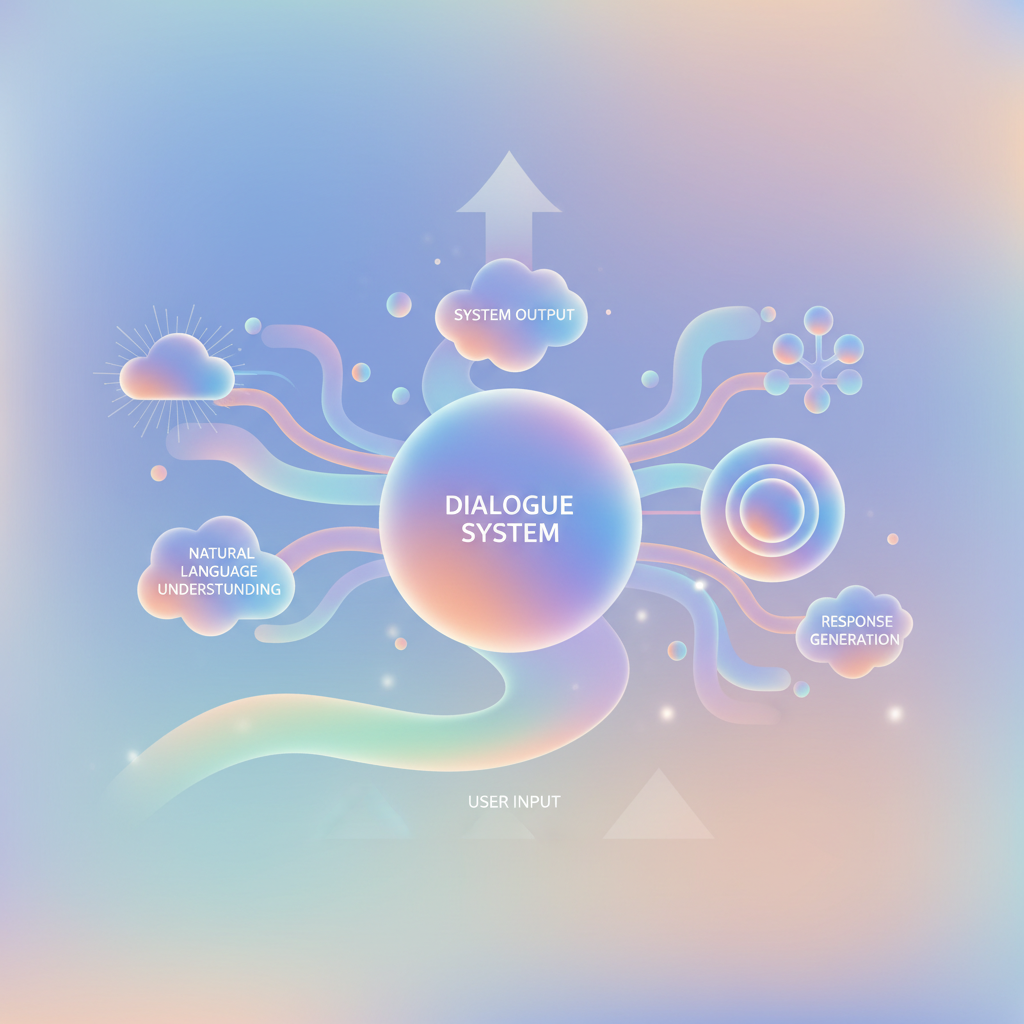
Modern AI agent frameworks like LangGraph excel at managing complex dialogue states with LLM-powered understanding.
3. Design for Voice-First Interactions
Voice UX differs fundamentally from visual interfaces:
Keep responses concise: Users can't scan or skip ahead in audio. Limit responses to 2-3 sentences before checking in.
Provide clear affordances: Users need to know what they can say. Offer examples and suggestions.
Support interruptions: Allow users to interrupt the system mid-response, just like human conversations.
Confirm critical actions: Use explicit confirmation for irreversible actions: "I'll charge your card $47.99. Say 'confirm' to proceed."
4. Handle Errors Gracefully
Voice recognition isn't perfect. Design for failure:
Confidence scoring: When STT confidence is low, ask for confirmation: "Did you say 'book a flight'?"
Clarification patterns: "I didn't quite catch that. Did you want to check your balance or make a transfer?"
Fallback options: Always provide escape hatches: "You can also type your request or speak with a live agent."
Progressive assistance: After repeated failures, offer alternative input methods automatically.
Technical Integration Best Practices
Real-Time Streaming vs. Batch Processing
Use streaming for:
- Real-time conversations
- Live transcription
- Interactive voice response (IVR) systems
Use batch processing for:
- Voicemail transcription
- Meeting recordings
- Asynchronous workflows
Optimize for Latency
Voice AI latency directly impacts user experience. Target end-to-end latency under 300ms for natural conversations:
- STT latency: 100-200ms for streaming recognition
- LLM processing: 50-100ms with optimized models
- TTS latency: 100-150ms for natural speech synthesis
Techniques to reduce latency:
- Edge deployment for STT/TTS
- LLM response streaming
- Predictive pre-loading of likely responses
- Optimized model serving infrastructure
Implement Comprehensive Logging
Voice interactions are harder to debug than text. Log:
- Raw audio inputs (with privacy controls)
- STT transcriptions with confidence scores
- Detected intents and extracted entities
- Dialogue state at each turn
- System responses and TTS outputs
- Error conditions and fallback triggers
This telemetry enables continuous improvement through analysis of failure patterns and user behavior.
Privacy and Security Considerations
Voice data contains sensitive information and biometric markers:
Minimize data retention: Store only what's necessary, and delete promptly.
Encrypt audio in transit and at rest: Use end-to-end encryption when possible.
Implement clear consent: Users should explicitly opt in to voice recording.
Support voice biometrics carefully: If using voice for authentication, comply with biometric privacy regulations.
Provide transparency: Make it clear when voice is being recorded, processed, or stored.
Testing Voice AI Integrations
Voice systems require specialized testing approaches:
Functional Testing
- Test with diverse accents, speaking speeds, and speech patterns
- Verify handling of background noise and interruptions
- Validate context retention across multi-turn conversations
- Test error recovery and clarification flows
Performance Testing
- Measure latency under various load conditions
- Test concurrent user handling
- Verify graceful degradation when services are slow
User Acceptance Testing
- Run pilot programs with real users in actual environments
- Test in noisy conditions, not just quiet labs
- Gather feedback on naturalness and frustration points
Common Integration Pitfalls
Over-engineering the initial scope: Start with narrow, well-defined use cases. Voice AI works best for focused tasks, not trying to handle everything.
Ignoring the silent majority: Many users prefer typing in public spaces. Always provide text alternatives.
Assuming perfect recognition: Design assuming 5-10% STT errors. The system should handle mistakes gracefully.
Neglecting accessibility: Voice AI should enhance accessibility, not create barriers. Provide visual feedback for important information.
Measuring Voice AI Success
Track metrics that matter:
- Task completion rate: Percentage of user intents successfully fulfilled
- Average conversation length: Shorter is usually better for transactional tasks
- Error rate: STT errors, misunderstood intents, failed tasks
- User satisfaction: Direct feedback and sentiment analysis
- Engagement metrics: Usage frequency and return rates
The Future of Voice AI Integration
Emerging trends reshaping voice AI:
Multimodal integration: Combining voice with visual cues and gestures for richer interactions.
Emotion recognition: Detecting user sentiment and adapting responses accordingly.
Personalized voices: Custom TTS voices that match brand identity.
Context-aware activation: Systems that understand when voice input is appropriate vs. when text is better.
Organizations building AI agents should consider voice as a core interaction modality from the start.
Conclusion
Voice AI integration done right creates magical user experiences — natural, efficient, and accessible. But it requires careful attention to architecture, UX design, error handling, and continuous optimization based on real user behavior.
Start with focused use cases, design for failure, and iterate based on actual usage patterns. The result will be voice experiences that users love and rely on.
Build AI That Works For Your Business
At AI Agents Plus, we help companies move from AI experiments to production systems that deliver real ROI. Whether you need:
- Custom AI Agents — Autonomous systems that handle complex workflows, from customer service to operations
- Rapid AI Prototyping — Go from idea to working demo in days using vibe coding and modern AI frameworks
- Voice AI Solutions — Natural conversational interfaces for your products and services
We've built AI systems for startups and enterprises across Africa and beyond.
Ready to explore what AI can do for your business? Let's talk →
About AI Agents Plus Editorial
AI automation expert and thought leader in business transformation through artificial intelligence.