Voice AI Integration Best Practices: A Complete Guide
Integrating voice AI into your products requires more than just plugging in an API. Learn the best practices for building natural, reliable voice experiences that users actually want to use.

Integrating voice AI into your products requires more than just plugging in an API. From handling accents and background noise to managing conversation context and user expectations, successful voice AI implementation demands careful planning and execution. This guide covers the best practices that separate frustrating voice interfaces from delightful ones.
What is Voice AI Integration?
Voice AI integration is the process of embedding speech-to-text, natural language understanding, and text-to-speech capabilities into your application or service. Unlike simple voice commands, modern voice AI creates conversational experiences where users can speak naturally and receive intelligent, contextual responses.
Applications range from customer service automation and hands-free interfaces to accessibility features and voice-controlled IoT devices. The technology has matured significantly, but implementation quality still varies widely.
Why Voice AI Best Practices Matter
Poor voice AI implementations frustrate users and damage brand perception. Common problems include:
- Misunderstanding accents or speech patterns
- Failing to handle background noise
- Losing conversation context
- Providing robotic, unnatural responses
- Creating confusing or unclear user flows
Following best practices ensures your voice AI delivers reliable, natural experiences that users trust and enjoy.
Voice AI Integration Best Practices
1. Design for Natural Conversation
Think dialogue, not commands: Users should speak naturally, not memorize specific phrases. Design your voice flows to handle variations:
- "What's the weather?" = "Tell me today's weather" = "Is it going to rain?"
Support context switching: Real conversations jump between topics. Your voice AI should handle:
- Follow-up questions ("What about tomorrow?")
- Topic changes ("Actually, can you help me with something else?")
- Interruptions and corrections ("No, I meant...")
Confirm high-stakes actions: Before executing irreversible actions (purchases, deletions, sends), always confirm:
- "I'll send $500 to John. Should I proceed?"
2. Choose the Right Speech Recognition Model
Not all speech-to-text engines are equal. Consider:
Domain specialization: Medical, legal, and technical vocabularies require specialized models
Language and accent support: Test with your actual user demographics, not just standard American English
Real-time vs batch processing: Customer service needs real-time; transcription services can use batch
On-device vs cloud: On-device offers privacy and offline capability; cloud offers better accuracy and lower latency
Popular options include Google Speech-to-Text, Azure Speech, AWS Transcribe, Deepgram, and AssemblyAI.
3. Handle Audio Quality Issues
Noise cancellation: Implement preprocessing to filter background noise, echo, and interference
Audio validation: Check input quality before processing:
- Too quiet? Prompt user to speak louder
- Too much noise? "I'm having trouble hearing you. Can you move somewhere quieter?"
Fallback options: Always provide alternative input methods (text, buttons) when voice fails
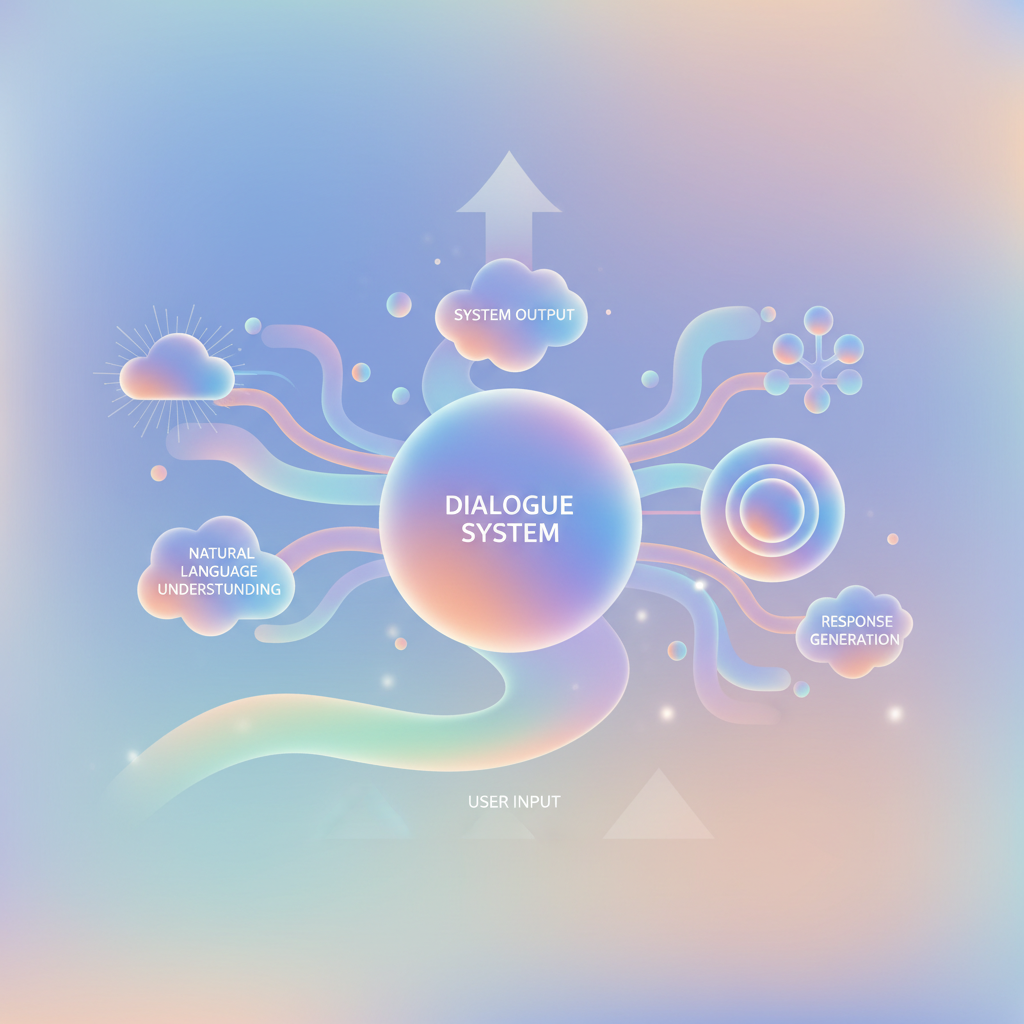
4. Build Robust Natural Language Understanding
Speech recognition converts audio to text; NLU extracts meaning. Best practices:
Intent classification: Identify what the user wants ("book_flight", "check_balance", "cancel_subscription")
Entity extraction: Pull out key details (dates, names, amounts, locations)
Confidence scoring: When confidence is low, ask clarifying questions rather than guessing
Training data diversity: Include variations, typos (from transcription errors), and edge cases
For production systems, see our custom ai agents guide for NLU architecture patterns.
5. Design Natural Voice Responses
Avoid robotic language: Instead of "Your balance is $1,234.56", try "You have one thousand, two hundred and thirty-four dollars and fifty-six cents"
Use prosody and emphasis: Modern TTS supports SSML (Speech Synthesis Markup Language) for natural intonation:
<speak>
  Your package will arrive <emphasis level="strong">tomorrow</emphasis>.
</speak>
Keep responses concise: Users can't skim voice output. Prioritize key information:
- ❌ "I found 47 restaurants in your area. The first one is..."
- ✅ "I found 47 restaurants. The top-rated is Luigi's Italian Bistro. Want to hear more?"
Provide visual fallbacks: When available, show complementary UI:
- Voice: "Here are your top 3 options"
- Screen: Display cards with details
6. Manage Conversation Context
Maintain session state: Remember what was discussed:
- User: "Show me flights to New York"
- AI: "When would you like to travel?"
- User: "Next Friday" ← System must remember the destination
Handle pronouns and references: "Book the second one" requires knowing what "the second one" refers to
Set appropriate timeouts: Short pauses ≠ end of input. Balance responsiveness with patience:
- Mid-sentence pause: 1.5-2 seconds
- End of turn: 0.7-1 second
7. Implement Proper Error Handling
Graceful degradation: When something fails, don't just say "Error"
- ❌ "Request failed"
- ✅ "I couldn't complete that request right now. Would you like me to try again or help with something else?"
Escalation paths: Provide clear ways to reach human support when AI can't help
Error logging: Capture failed interactions for analysis and improvement
8. Ensure Privacy and Security
Data minimization: Only collect and store necessary voice data
Encryption: Voice data in transit and at rest must be encrypted
Consent and transparency: Make it clear when voice is being recorded and how it's used
Wake word detection: For always-listening devices, use local wake word detection to avoid streaming all audio
Voice biometrics: If using voice for authentication, implement anti-spoofing measures
For enterprise deployments with compliance requirements, check our enterprise ai implementation guide.
9. Optimize for Latency
Target < 300ms end-to-end: Longer delays feel unnatural
Stream responses: Start speaking before the full response is generated
Preload common responses: Cache frequently used TTS audio
Use edge computing: Process voice locally or at regional edge nodes
10. Test with Real Users
Diverse testing groups: Different accents, age groups, technical proficiency
Real-world conditions: Test in noisy environments, with poor network, on various devices
Measure key metrics:
- Task completion rate
- Error recovery rate
- User satisfaction scores
- Average conversation length
Common Voice AI Integration Mistakes
Over-relying on voice alone: Provide visual and text alternatives
Ignoring accessibility: Voice AI should enhance accessibility, not create barriers (support hearing-impaired users with text)
Not handling interruptions: Users should be able to interrupt the AI mid-response
Assuming perfect recognition: Always have fallback paths for misrecognition
Neglecting regional variations: Test with local accents, dialects, and terminology
Technology Stack Recommendations
Speech-to-Text: Google Speech-to-Text, Azure Speech Services, Deepgram
NLU: DialogFlow, Rasa, Amazon Lex, custom LLM-based
Text-to-Speech: Google Text-to-Speech, Azure Neural TTS, ElevenLabs, AWS Polly
Orchestration: Custom with LangChain, Voiceflow, Twilio Voice
Conclusion
Successful voice AI integration combines technical excellence with thoughtful UX design. The best implementations feel natural, handle errors gracefully, and respect user privacy—all while delivering genuine value.
As voice technology continues to improve, the competitive advantage lies not in having voice AI, but in implementing it well. Start with clear use cases, follow these best practices, and iterate based on real user feedback.
Build AI That Works For Your Business
At AI Agents Plus, we help companies move from AI experiments to production systems that deliver real ROI. Whether you need:
- Custom AI Agents — Autonomous systems that handle complex workflows, from customer service to operations
- Rapid AI Prototyping — Go from idea to working demo in days using vibe coding and modern AI frameworks
- Voice AI Solutions — Natural conversational interfaces for your products and services
We've built AI systems for startups and enterprises across Africa and beyond.
Ready to explore what AI can do for your business? Let's talk →
Related reading
About AI Agents Plus Editorial
AI automation expert and thought leader in business transformation through artificial intelligence.