
AI Agent Orchestration: How to Coordinate Multiple Agents for Complex Workflows
Learn how to orchestrate multiple AI agents for complex workflows. Discover patterns, tools, and best practices for coordinating autonomous agents in production systems.

As AI agents become more capable, the real competitive advantage isn't building one smart agent—it's orchestrating multiple specialized agents that work together seamlessly. This is AI agent orchestration, and it's the key to building production-grade agentic systems that handle complex, multi-step workflows.
What is AI Agent Orchestration?
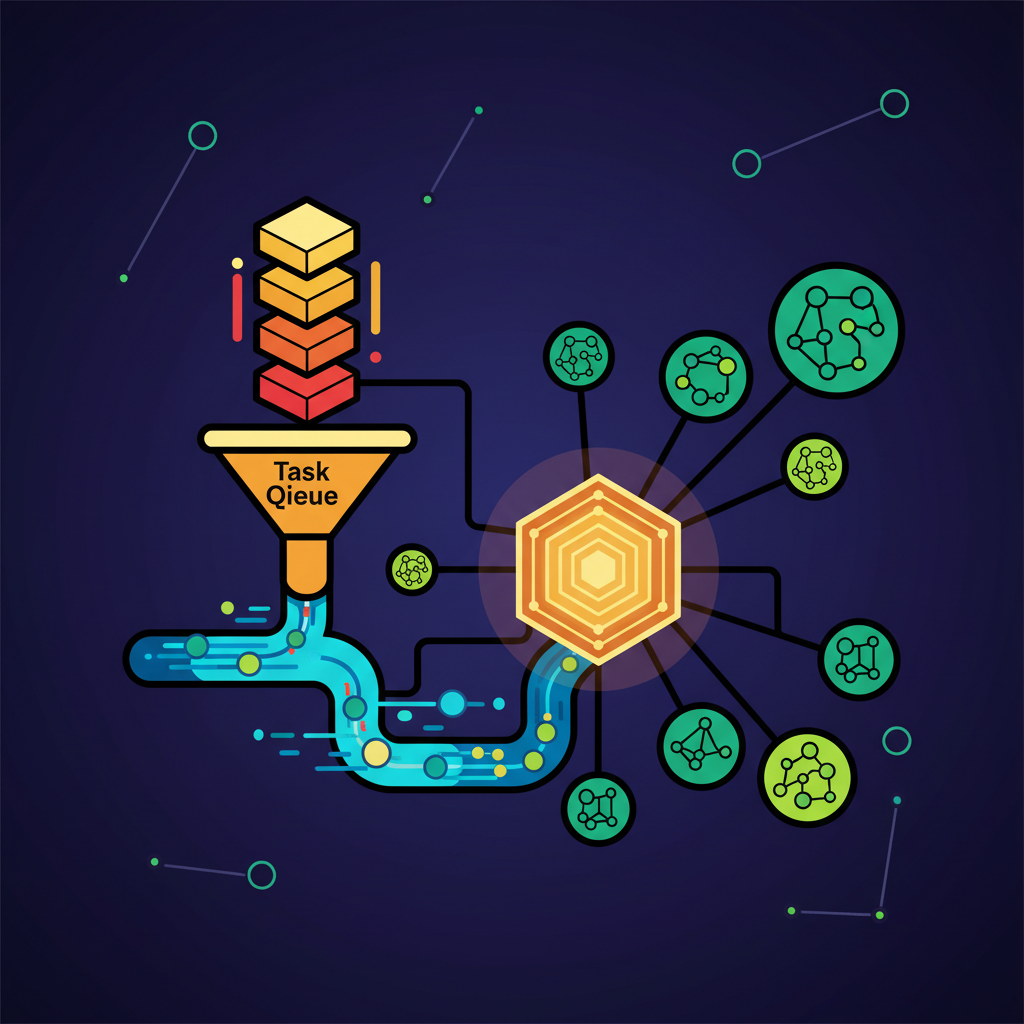
AI agent orchestration is the practice of coordinating multiple autonomous agents to accomplish complex tasks that would be inefficient or impossible for a single agent. Rather than building one monolithic agent that tries to do everything, you create specialized agents that excel at specific tasks and coordinate them intelligently.
Think of it like conducting an orchestra: each musician (agent) plays their instrument (specialty) while following the conductor (orchestration layer) to create harmonious music (completed workflow).
Why AI Agent Orchestration Matters
1. Specialization over generalization Rather than one agent that's mediocre at many tasks, you get specialized agents that excel at their specific function.
2. Scalability You can scale specific agents based on workload without over-provisioning the entire system.
3. Resilience If one agent fails, the system can route around it or retry without bringing down the entire workflow.
4. Cost efficiency Use expensive models (GPT-4) only for tasks that need them, while simpler agents use cheaper models for routine work.
5. Maintainability Easier to debug, update, and improve individual specialized agents than one complex system.
Common AI Agent Orchestration Patterns
1. Sequential Orchestration (Pipeline)
Agents execute in a fixed sequence, each passing results to the next.
Example: Document processing pipeline
- Agent 1: Extract text from PDF
- Agent 2: Classify document type
- Agent 3: Extract entities
- Agent 4: Validate and format output
When to use: Well-defined workflows with predictable steps.
2. Parallel Orchestration (Fan-out/Fan-in)
Multiple agents process the same input simultaneously, then results are aggregated.
Example: Content analysis
- Agent 1: Sentiment analysis
- Agent 2: Entity extraction
- Agent 3: Topic classification
- Aggregator: Combines all insights
When to use: Independent sub-tasks that can run concurrently.
3. Hierarchical Orchestration (Supervisor Pattern)
A supervisor agent coordinates worker agents, making routing and delegation decisions.
Example: Customer support system
- Supervisor: Routes query to appropriate specialist
- Billing Agent: Handles payment questions
- Technical Agent: Handles product issues
- Returns Agent: Handles refunds/exchanges
When to use: Complex decision trees where routing logic is important.
4. Collaborative Orchestration (Multi-Agent Dialogue)
Agents communicate with each other to reach consensus or refine outputs.
Example: Research assistant
- Researcher Agent: Finds sources
- Analyst Agent: Evaluates credibility
- Writer Agent: Synthesizes findings
- Editor Agent: Refines output
They iterate together until quality criteria are met.
When to use: Tasks requiring refinement, debate, or multiple perspectives.
5. Event-Driven Orchestration
Agents respond to events published to a message broker or event bus.
Example: E-commerce order processing
- Order Placed Event → Inventory Agent checks stock
- Payment Processed Event → Shipping Agent creates label
- Shipped Event → Notification Agent emails customer
When to use: Asynchronous workflows with loose coupling requirements.
For more on building multi-agent systems, see our guide on how to build custom AI agents for business.
Tools and Frameworks for AI Agent Orchestration
LangGraph
The most powerful option for complex orchestration. Built on LangChain, it lets you define agents as nodes in a graph with edges representing transitions.
Strengths: Maximum flexibility, state management, cycles/loops support Complexity: Higher learning curve
CrewAI
Focused on role-based multi-agent collaboration. Agents have roles, goals, and backstories, and work together on sequential or hierarchical tasks.
Strengths: Easy to get started, great for role-based workflows Complexity: Lower flexibility for custom patterns
AutoGen (Microsoft)
Multi-agent conversation framework. Agents chat with each other to solve problems, with built-in support for human-in-the-loop.
Strengths: Great for conversational workflows, research shows strong performance Complexity: Medium
Temporal
Not AI-specific, but excellent for orchestrating any distributed workflows (including AI agents). Provides durable execution, retries, timeouts.
Strengths: Production-grade reliability, works with any tech stack Complexity: Higher (but worth it for production)
For a deeper comparison, check out our AI agent frameworks comparison guide.
Best Practices for AI Agent Orchestration
1. Start with a Clear Workflow Map
Before writing code, diagram your workflow:
- What are the discrete steps?
- Which steps can run in parallel?
- Where do decisions get made?
- What are the error states?
2. Design for Observability from Day One
Instrument every agent with:
- Request/response logging
- Execution time tracking
- Error rates and types
- Token usage and costs
Without observability, debugging multi-agent systems is nearly impossible.
3. Implement Retry Logic and Fallbacks
- Transient failures (rate limits, timeouts) should auto-retry with exponential backoff
- Permanent failures should fail gracefully and alert humans
- Critical agents should have fallback agents (e.g., if GPT-4 fails, fall back to Claude)
4. Use Smaller Models Where Possible
Not every agent needs GPT-4. For many tasks:
- GPT-4o-mini handles classification and simple extraction
- Claude Haiku is fast and cheap for routing decisions
- Fine-tuned small models can handle highly repetitive tasks
Save expensive model calls for reasoning-heavy tasks.
5. Implement Circuit Breakers
If an agent starts failing repeatedly:
- Stop sending it traffic (circuit breaker)
- Route to a fallback if available
- Alert operations team
- Auto-recover when health checks pass
6. Version Your Agents
When you update an agent:
- Deploy the new version alongside the old
- A/B test or gradually shift traffic
- Compare quality metrics before full rollout
- Keep ability to roll back quickly
7. Define Clear Agent Boundaries
Each agent should have:
- One clear responsibility
- Well-defined inputs and outputs
- No shared state with other agents
- Its own error handling
Real-World Example: AI-Powered Content Pipeline
Here's how we orchestrate agents for our own content production:
1. Research Agent
- Input: Topic + keywords
- Task: Find trending subtopics, competitor content, search data
- Output: Research brief
2. Outline Agent
- Input: Research brief
- Task: Create SEO-optimized outline with H2/H3 structure
- Output: Structured outline
3. Writer Agent
- Input: Outline
- Task: Write full article in our style
- Output: Draft content
4. Editor Agent
- Input: Draft content
- Task: Check factual accuracy, improve clarity, fix grammar
- Output: Polished content
5. SEO Agent
- Input: Polished content
- Task: Optimize meta tags, check keyword density, suggest internal links
- Output: SEO-ready post
Orchestration: Sequential with quality gates. If Editor Agent finds issues, it loops back to Writer Agent. If SEO Agent identifies missing keywords, it flags for human review.
Result: 10+ high-quality posts per day with minimal human intervention.
Common Pitfalls to Avoid
1. Over-orchestrating
Not every task needs multiple agents. Start simple. Add agents only when:
- A single agent is clearly struggling
- You need specialization
- You're hitting model context limits
2. Poor Error Propagation
Make sure errors bubble up with context:
- Which agent failed?
- What was the input?
- What was the error?
- Is it retryable?
3. Ignoring Latency
Sequential agents add latency. If you have 5 agents in sequence and each takes 3 seconds, that's 15 seconds total. Consider:
- Parallel execution where possible
- Streaming responses
- Caching common requests
4. Inconsistent State Management
If agents share state:
- Use a proper state store (Redis, database)
- Handle concurrent access
- Version state changes
- Don't rely on in-memory state across agent invocations
5. Insufficient Testing
Test not just individual agents, but:
- The full orchestration flow
- Edge cases (agent failures, timeouts)
- Retry behavior
- State consistency
For testing strategies, see our AI agent testing guide.
The Future of AI Agent Orchestration
As AI agents become more sophisticated, orchestration will become more dynamic:
Self-organizing agents that negotiate their own workflows based on goals
Learning orchestrators that optimize routing and agent selection based on past performance
Cross-organization agents that coordinate across company boundaries with secure, standardized protocols
Embodied multi-agent systems where physical robots and digital agents work together
The companies that master AI agent orchestration today will have a massive advantage as these capabilities mature.
Getting Started
Week 1: Pick one workflow that currently uses a single agent but is complex
Week 2: Break it into 2-3 specialized agents with clear boundaries
Week 3: Implement basic orchestration (start with sequential)
Week 4: Add observability and monitoring
Month 2: Measure improvements in quality, latency, and cost
Month 3+: Expand to more workflows, experiment with advanced patterns
The key is to start simple and iterate. You'll learn more from running a basic multi-agent system in production than from designing the perfect architecture on paper.
Build AI That Works For Your Business
At AI Agents Plus, we help companies move from AI experiments to production systems that deliver real ROI. Whether you need:
- Custom AI Agents — Autonomous systems that handle complex workflows, from customer service to operations
- Rapid AI Prototyping — Go from idea to working demo in days using vibe coding and modern AI frameworks
- Voice AI Solutions — Natural conversational interfaces for your products and services
We've built AI systems for startups and enterprises across Africa and beyond.
Ready to explore what AI can do for your business? Let's talk →
About AI Agents Plus Editorial
AI automation expert and thought leader in business transformation through artificial intelligence.


